

















- Joined
- Jun 13, 2020
- Messages
- 8,099
- Reaction score
- 1,104
- Points
- 212
- Awards
- 2


In my previous post, i have explain how to change the localhost in windows operating systems. This post is especially for ubuntu users.
Requirements:
apache server should be installed.
you can find this line :
Restart the apache server.
Don’t you know how to restart the server. nothing to worry just enter the following command in terminal:
Copyrights:
Don’t try to copy the contents! if you want to post in your website or blog. Give me link as resource to this page. Link should be hyperlink not a text.
Thanks for the help
Requirements:
apache server should be installed.
- Open the Terminal
- type this command and press enter
hosts will be opened in notepad.sudo gedit /etc/hosts
you can find this line :
Just change the localhost to www.facebook.com127.0.0.1 localhost.localdomain localhost
Restart the apache server.
Don’t you know how to restart the server. nothing to worry just enter the following command in terminal:
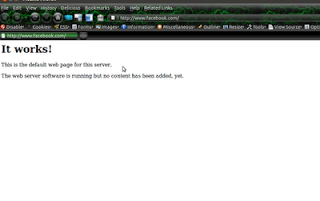
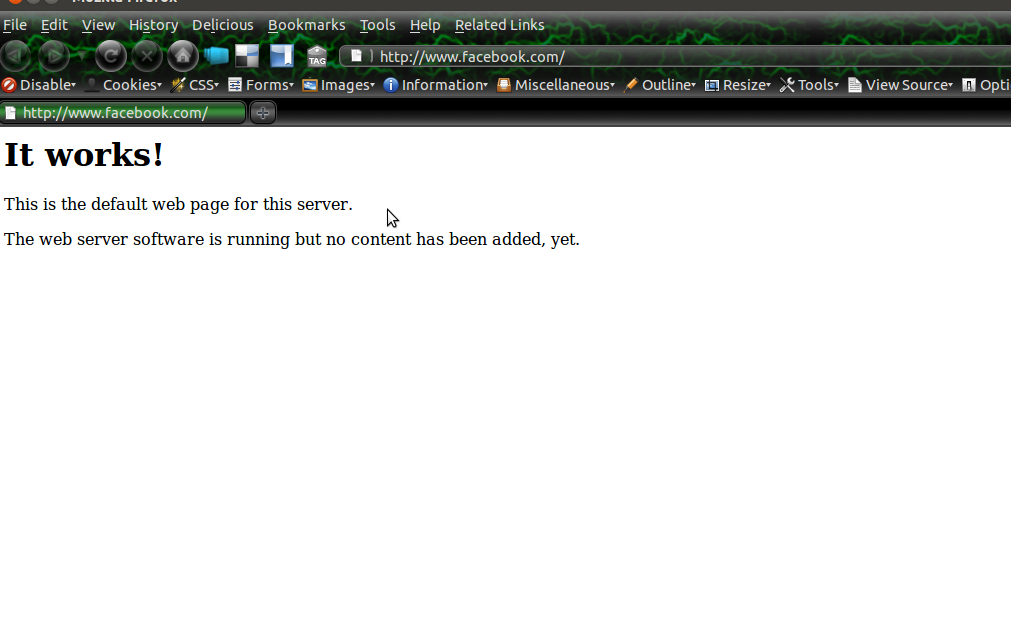
if you enter “www.facebook.com”,then you will get this page in your browser.sudo /etc/init.d/apache2 restart
Copyrights:
Don’t try to copy the contents! if you want to post in your website or blog. Give me link as resource to this page. Link should be hyperlink not a text.
Thanks for the help