















- Joined
- Jun 13, 2020
- Messages
- 8,134
- Reaction score
- 1,141
- Points
- 212
- Awards
- 2


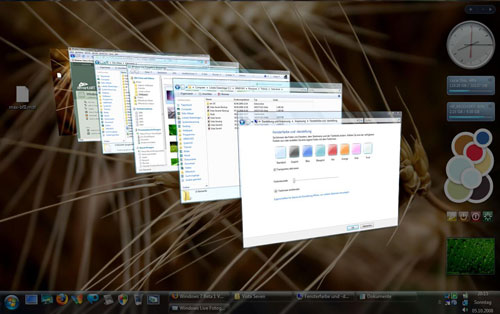
Aero is a very cool and beautiful user interface of Windows 7. To run Aero, you need a PC with specs like 1 GHz CPU, 1 GB system memory and 128MB of video RAM. If your system is low on specs, you won’t be able to use Aero. Here is a workaround for enabling Aero on systems that have low specs.
1. Launch Windows Registry Editor by typing Regedit in Start Menu
2. Navigate to HKEY_CURRENT_USERSoftwareMicrosoftWindowsDWM
3. Right-click on the right-hand pane and create the following three DWORD entries and set value for each one:
Animations – set value to 0.
Blur – set value to 0.
UseMachineCheck – set value to 0.
4. Close the Registry Editor
5. Go to the Start Menu, enter “cmd” and press Enter to open the Command Prompt.
6. Type the following commands:
Net Stop uxsms and then press Enter
Net Start uxsms and then press Enter
7. The last step is to right-click on your desktop and choose: Personalize/Windows Colors.